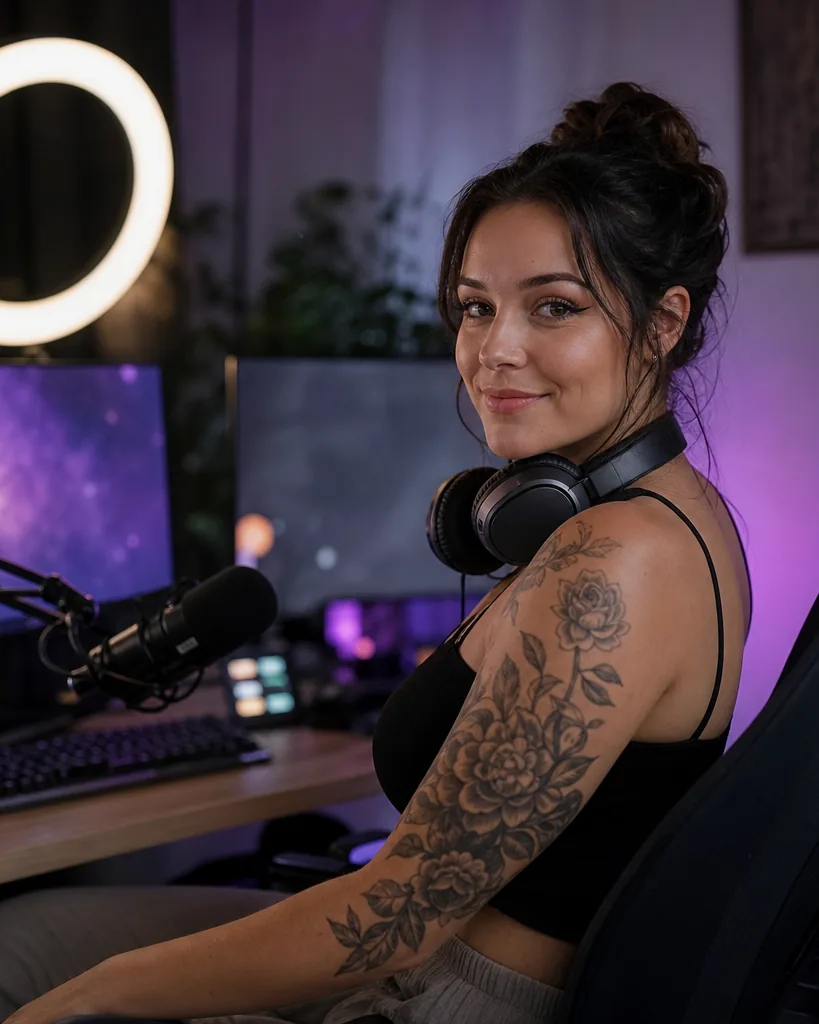
Ticketed shows or open lives with tips
There are two ways to run a live show on OmgFans, and both have a place in a creator's month.
| Format | How fans pay | Best for |
|---|---|---|
| Ticketed live show | A fan buys a ticket before the show, then can tip during it | Classes, workshops, premieres, special events |
| Open live for followers | Watching costs nothing, fans tip during the show | Q&A sessions, casual hangouts, growing your audience |
A ticketed show is a promise. Fans paid to be there, so the show needs a clear topic, a start time and a length. Think of a 45 minute group workout, a cosplay build reveal or a coaching session on a specific game.
An open live is more relaxed. Its job is to let new followers meet you and to give regular fans a reason to tip. Many creators run open lives often and ticketed shows less often, so each paid event feels worth the price.
Our live shows page explains how tickets and tips appear for fans.
What to prepare before you go live
Most problems in a live show come from things that could have been sorted out the day before. Run through this list ahead of each show.
Light and sound
- Face a window or a soft lamp so your face is lit from the front, not from behind.
- Use a phone headset or a small clip microphone if your room echoes.
- Turn off fans, televisions and anything that hums.
Phone or desktop
OmgFans works in any modern mobile browser and on desktop, and it can be added to your home screen as a web app. A phone on a stand is enough for most shows. A desktop with a webcam is handy when you want to show a screen, such as a game or a design file.
- Charge the phone fully or keep it plugged in.
- Use a stand so the frame does not shake.
- Close other apps and switch on do not disturb so notifications do not interrupt you.
- Test your connection a few minutes before the start.
Schedule
Pick a time your fans can actually make. If most of your followers are in one region, look at their evenings and weekends. Keep a regular slot, such as every second Thursday, so fans can plan around you.
Reminders to followers
Fans cannot join a show they do not know about. Announce it a few days ahead with a post, remind followers again the day before, and post a story on the day. A short teaser clip in the feed helps new fans find the show too.
How to price tickets
A ticket price should match what happens in the show, not just how long it runs. A one hour class with a plan fans keep using is worth more than a one hour chat.
Ask yourself a few questions before you set the price.
- What will a fan walk away with after the show?
- How much do your subscribers already pay each month?
- How often do you run ticketed shows?
- Will the show be smaller and more personal, or open to everyone who buys?
A useful rule of thumb is to keep a single ticket at or below your monthly subscription price, so the subscription stays the best value. Special events can sit higher when they offer something rare.
Hypothetical ticket math
Say you sell 40 tickets at $12 for a cosplay build reveal. That is $480. OmgFans takes its flat 20% fee, so you keep $384. If fans tip another $150 during the show, you keep $120 of that. These numbers are hypothetical and only show how the fee works. You can model your own month with the earnings tools on the creators page.
Running tips during the show
Tips are where open lives earn and where ticketed shows earn extra. Fans tip more when they see that a tip changes something.
- Say thank you by name when a tip arrives, without breaking the flow of what you are doing.
- Set small goals during the show, such as a bonus set once a tip target is reached.
- Answer questions in the order tips come in, if that suits your audience.
- Keep a short list of things you can do on request, so you are never stuck for an answer.
Avoid pushing for tips every minute. A show that feels like a sales pitch loses viewers fast. A show that feels like time with you keeps them.
What to do after the show ends
The show ending is a good moment to keep fans interested.
- Post highlights as a pay-per-view post for fans who missed it.
- Share a short free clip in the feed to show new followers what they missed.
- Send a thank you message to fans who bought tickets or tipped.
- Note which moments got the most tips and plan the next show around them.
Creators on the Pro plan get analytics per post and per traffic source, which helps you see where the fans who joined came from. The Studio plan adds automated welcome and win-back message flows. Both are optional, and the details are on the pricing page.
Staying safe while you are on air
Live shows happen in real time, so prepare for safety the same way you prepare your lights.
- Check the frame before you start. Hide mail, documents, street views and anything that reveals where you live.
- Keep your real name and personal accounts out of the show.
- Block anyone who crosses a line. You do not owe a disruptive viewer a second chance.
- Use the one-click report button on profiles and messages when someone breaks the rules. Reports go to the OmgFans review team.
- Remember that everyone on OmgFans must be 18 or older, fans included.
Every creator passes age and ID verification before posting paid content or receiving a payout, and anyone else appearing in your content must also be verified and give consent. Our safety page explains reporting and review in full.
Bring other creators to live with you
Joint shows can work well, such as two coaches running a class together or two cosplayers comparing builds. If you invite a creator who is new to OmgFans, the referral program pays you 5% of their earnings for 12 months. That amount comes out of the OmgFans fee, so the creator you referred still keeps 80% of every fan payment.
Questions creators ask about going live
Can I charge for a live stream on OmgFans?
Yes. You can sell tickets to a live show, and fans can tip during it. You can also go live for followers with no ticket and earn from tips alone.
How much do I keep from live tickets and tips?
You keep 80%. OmgFans takes a flat 20% fee on every fan payment, including tickets and tips, from the first sale.
Do I need special equipment to go live?
No. A phone on a stand, good front light and a quiet room are enough for most shows. A desktop with a webcam helps when you want to show a game or a screen.
What should I do with the show after it ends?
Many creators post the highlights as a pay-per-view post for fans who missed it, share a short clip in the feed and thank the fans who bought tickets or tipped.
How do I deal with a disruptive viewer?
Block them, and use the one-click report button on their profile or message. Reports go to the OmgFans review team.
Do fans need to be 18 or older to watch?
Yes. Everyone on OmgFans must be 18 or older, fans included.